DomoDreams · NSPanel Pro
A control panel you'd want on your wall.
Turn a Sonoff NSPanel Pro into a fully-custom Home Assistant panel — pre-rendered surfaces, 32 curated styles, and every button laid out visually from the Home Assistant sidebar. All local, over MQTT, no cloud.
What it is
Crafted surfaces
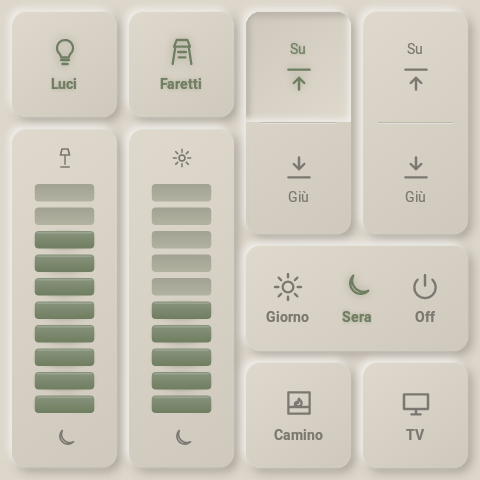
A designed UI, not a web dashboard
Soft, pre-rendered surfaces tuned for the panel's low-power GPU, so it stays crisp and reads like a designed object rather than a web page on a screen.
One document
Look and behavior together
A single config describes what each tile looks like and what it does. The panel renders it; the integration executes it.
Local push
Everything over MQTT
Buttons publish events, Home Assistant mirrors real entity state back, and the panel lights up to match. Optimistic on tap, reconciled from state.
No JSON by hand
Edit it visually
A WYSIWYG editor lives right in the HA sidebar. Build layouts by clicking — pick entities, arrange tiles, choose page types, set the theme.
By design
Multi-panel
One Home Assistant drives N panels, each scoped to its own device, entities and topic namespace. Nothing assumes a single panel.
Resilient
Boots offline
The panel renders from retained topics and a local cache. Broker or HA down? It still shows your last-known UI.
Typed pages, swipe between them
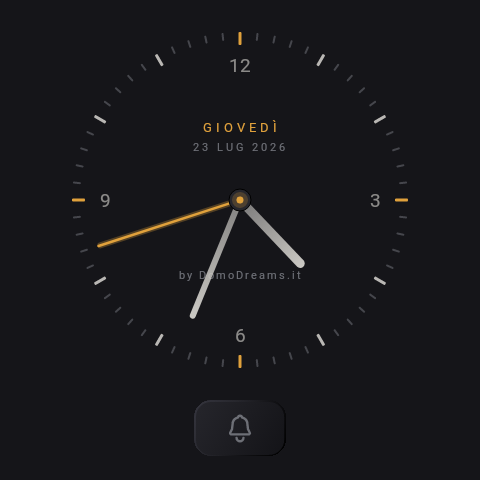
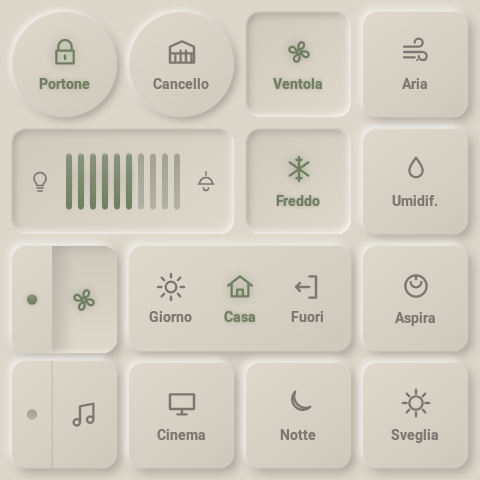
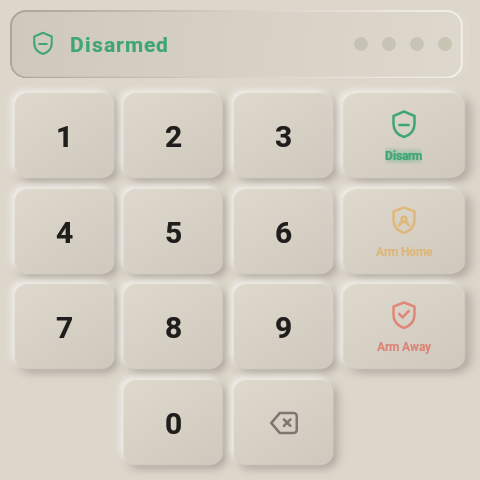
grid · clock · weather · alarm · camera · musicAdd as many pages as you want per panel and mix the types freely — each one brings its own layout and behaviour. The music page makes the panel a full Music Assistant player: pick it from any MA app and it plays, natively.
In the Home Assistant sidebar
Build it by clicking, not by hand
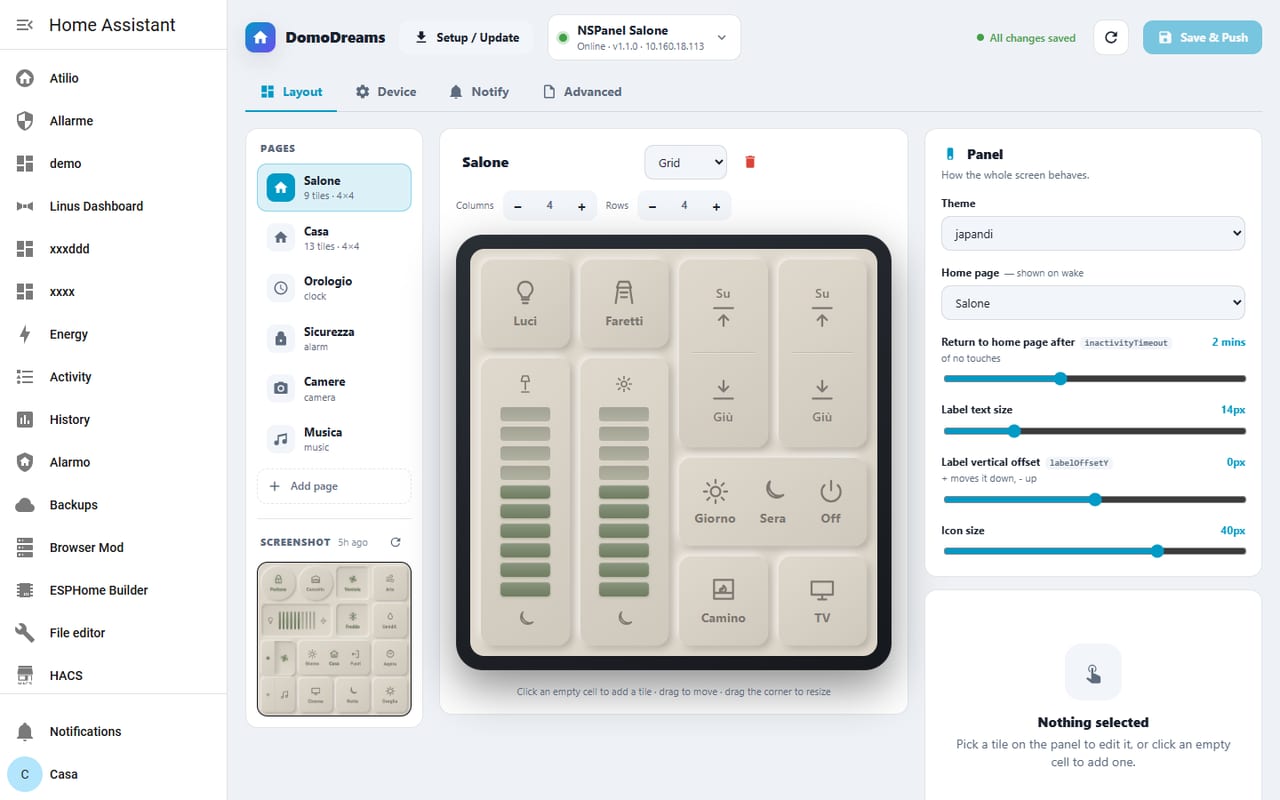
A visual editor lives right inside Home Assistant. Drag tiles onto the grid, pick the entity each one controls, and watch a live preview of the panel update as you go — then push it to the wall over the air.
- preview
- Live WYSIWYG. The middle pane mirrors the real panel as you edit.
- pages
- Every page type. Grid, clock, weather, alarm, camera, music — added and ordered visually.
- push
- Over the air. Save & Push sends changes to the panel; ADB installs app updates.
Thirty-two styles, one panel
From soft matte to wood & brass
Every curated style, shown on the same example pages — light and dark, minimal and maximal. Pick one from a dropdown and the whole panel restyles at once.
How it works
The integration owns the Home Assistant side end-to-end. The app never touches HA discovery topics — it just renders and reports.
- event
- Panel → HA. A button was pressed; HA runs the bound service call.
- config
- HA → Panel. Layout + bindings, retained, so the panel boots from the broker.
- state
- HA → Panel. Entity state mirror, retained. Tiles reconcile to reality.
- cmd
- HA → Panel. Wake, change page, reload — device-targeted.
# domodreams/panel/{device}/…
NSPanel Pro ──MQTT──▶  event      (button pressed)
            ◀─MQTT───  config     (layout + bindings, retained)
            ◀─MQTT───  state/*    (entity state mirror, retained)
            ◀─MQTT───  cmd/*      (wake, page, reload, …)

# Reconnect: exponential backoff with jitter (1s → 30s).
# Boots from retained topics + local cache when HA is down.
Free to use · Pro to polish
Free, and open where it counts
The Home Assistant integration is MIT-licensed and open. The panel app is free to run — a Pro licence just removes the on-screen watermark, per page type or all at once.